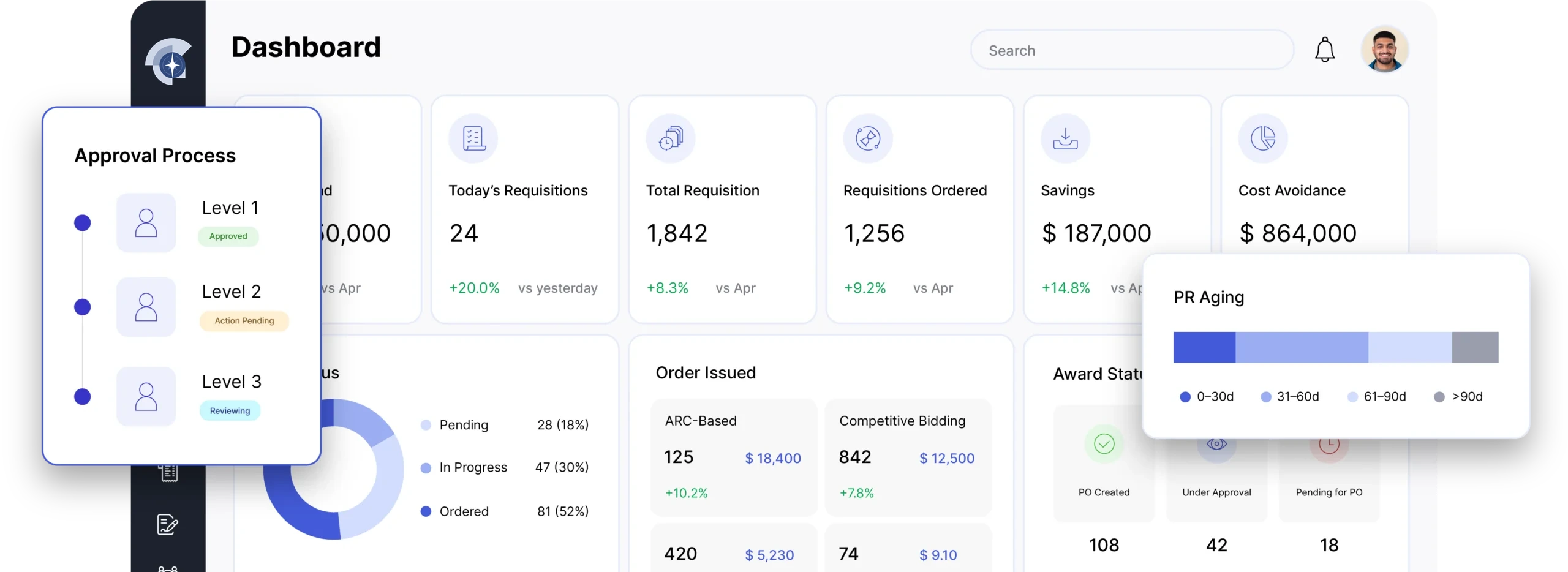
Make intent concrete
Turn an approved need into a clear record.
Capture the buyer, supplier, items, quantities, pricing, and delivery context in one document people can review together.
 VendrNova procurement tool
Free tool · Purchase orders
Build a polished purchase order with the details your buyers, suppliers, finance teams, and approvers need in view — then print or save it as a PDF when the draft is ready.
Enterprise purchase order
PO
Draft · ready to review
PO number
VN-PO-0248
Issued
Today
Terms
Net 30
Line items
03
Buyer
Northstar Operations
Procurement desk
Supplier
Precision Industrial Supply
Customer orders
Clear by design
Every line, term, and next step stays easy to review.
Total
$8,345.50
Review-ready
The next step is clear.
Draft
Start with a ready-to-edit example
Review
Keep terms and totals in one view
Share
Print or save the final document
The VendrNova PO Studio
Start with the sample, replace the details, and watch the document take shape. The preview is designed to keep the order legible before it becomes a handoff.
A working draft, not a black box
Nothing is sent to a supplier from this page. Review the document, then use your normal controls to approve and share it.
VendrNova PO studio
Work in the left panel while the review-ready document stays open beside it. Every change updates the preview immediately.
Frame
Identity and dates
Parties
Buyer and supplier
Items
Quantities and pricing
Finalize
Terms and totals
Live document
Review without leaving the edit view
Enterprise purchase order
Draft · review required
PO number
VN-PO-001
Issue date
Sep 30, 2026
Delivery
Not set
Terms
Net 30
Buyer
Northstar Operations
Procurement desk
procurement@example.com
200 Market Street Atlanta, GA 30303 United States
Supplier
Precision Industrial Supply
Customer orders
orders@example.com
85 Commerce Way Charlotte, NC 28202 United States
| Description | Code | Qty | Unit | Amount |
|---|---|---|---|---|
| Industrial maintenance service | OPS-001 | 1 | $4,800.00 | $4,800.00 |
| Control cabinet components | MRO-214 | 12 | $185.00 | $2,220.00 |
| Annual software support | SVC-090 | 1 | $1,200.00 | $1,200.00 |
Delivery notes
Please confirm delivery timing with the receiving team before dispatch.
Terms and conditions
Goods and services are subject to the agreed scope, approved terms, and receiving confirmation.
Prepared by
Procurement desk
Approval status
Needs review
Drafted in the VendrNova PO Studio.
This is a draft. Keep approval, receiving, tax, and contract controls in the loop before sending it to a supplier.
Why start with a better PO
A purchase order is a small document with a large job: it should help different teams agree on what happens next.
Make intent concrete
Capture the buyer, supplier, items, quantities, pricing, and delivery context in one document people can review together.
Keep the handoff clean
A consistent purchase order makes the commercial ask easier to understand before goods, services, or invoices move forward.
Protect the next step
Use the draft as a working record, then carry it through your organization’s approval, contract, tax, and receiving controls.
A simple path to a stronger record
The value is not just in filling fields. It is in making the next conversation easier for everyone involved.
Give the order an identity with a PO number, dates, currency, and payment terms.
Make the buyer and supplier, their contacts, and their addresses easy to find.
Add line items, quantities, codes, pricing, taxes, charges, notes, and terms.
Print or save a PDF, then route the draft through the controls your business requires.
A complete order in view
Use the generator as a starting point for a record that supports your team’s real controls and supplier conversations.
PO number, issue date, expected delivery, buyer, supplier, contacts, and addresses.
Clear descriptions, item codes, quantities, unit prices, and an auditable line-level total.
Currency, payment terms, tax, shipping or other charges, delivery notes, and conditions.
A visible draft status and an intentional pause for approval before anything is sent to a supplier.
Treat every generated document as a draft until the right people have reviewed the budget, supplier, scope, terms, tax treatment, and receiving expectations for your organization.
Purchase order questions
A few practical answers before you turn a draft into a real business record.
A purchase order is a formal document or system record a buyer sends to a supplier to describe what is being ordered, at what price, and under which terms. It gives both sides a shared reference for the transaction.
Yes. Add as many line items as the order needs. Each item can have its own description, item code, quantity, and unit price, while the preview keeps the subtotal and total up to date.
Yes. The generator supports several common currencies, editable tax and shipping charges, and selectable payment terms. The values are reflected immediately in the live document preview.
Choose “Print / save as PDF” in the generator. Your browser will open its print dialog, where you can select a printer or save the review-ready document as a PDF.
No. The generator creates a clear draft; it does not approve an order or send anything to a supplier. Keep the document inside your organization’s approval, budget, contract, tax, and receiving process.
A purchase order communicates the buyer’s intent before or at the time of purchase. An invoice requests payment for goods or services supplied. Teams often compare the PO, receiving record, and invoice before payment.
From the document to the operating model
The PO is one step in the Source-to-Pay conversation. See how VendrNova connects the request, supplier, contract, order, invoice, and decision around the work your enterprise already runs.